Appointments and shifts
Veterinary appointment scheduling for patients and staff shifts
The phone rings, an owner wants a vaccination appointment tomorrow afternoon, and reception needs to see right away which vet is on shift and which consulting room is free. Veterinary appointment scheduling has to show both in one place: the booked patients and the team's working hours.
In VetsWise, the appointment calendar organizes bookings by vet and by room, and the staff schedule shows shifts and time off. Patients who arrive join the waiting list, and the consultation starts from the same booking, with no copying from a notebook or a separate calendar.
- Day, week, month and list views
- Filter by vet and room
- Online booking through an API
- Staff shifts and time off
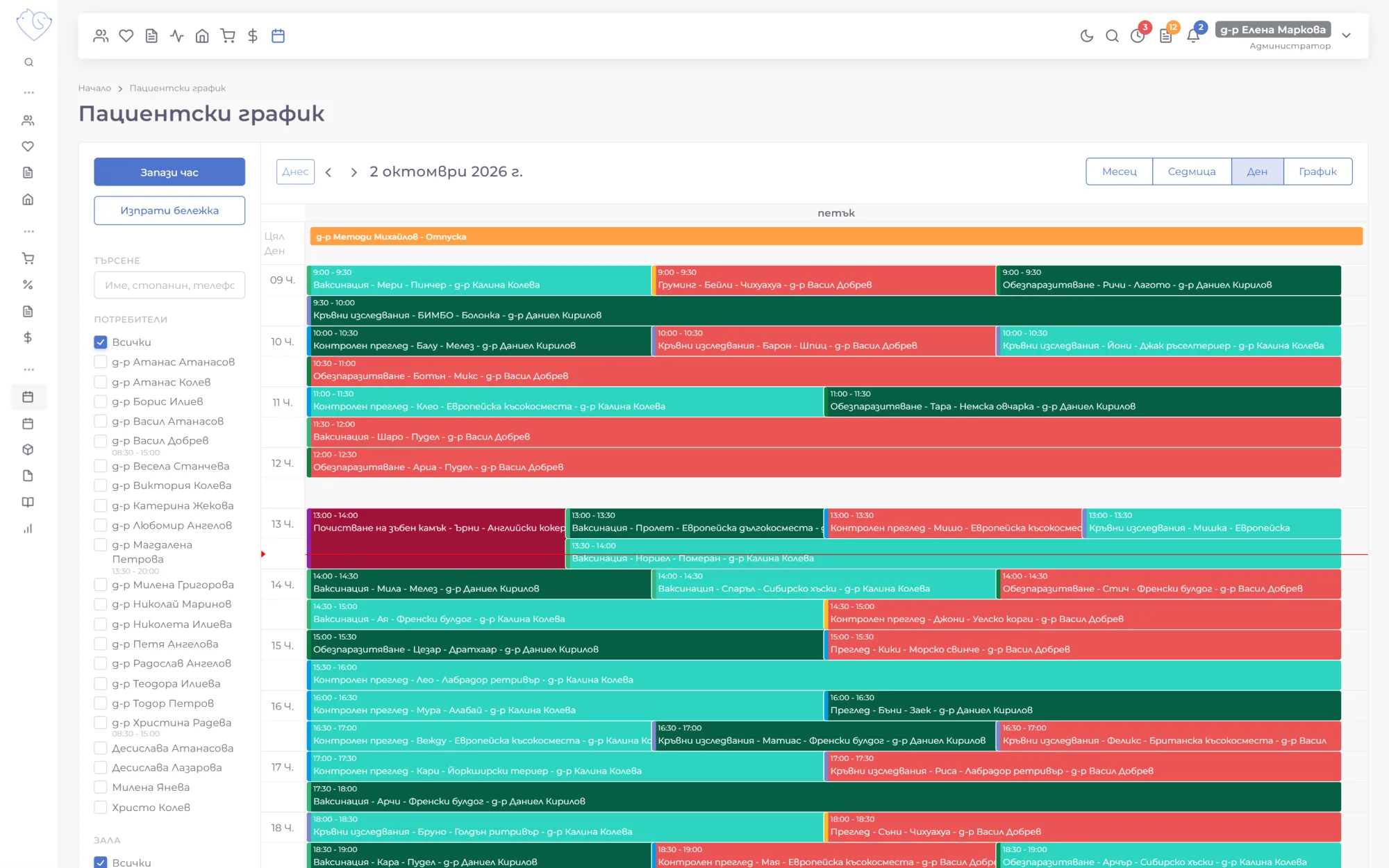
An appointment calendar by vet and room
The calendar shows every appointment for the day, week or month, and the List view lines them up one under another with the patient and vet. Each appointment shows the reason for the visit, the patient's name and the vet, so you can see how busy things are at a glance.
- Filter by vet: only a chosen colleague's appointments
- Filter by room: when each consulting room or operating room is booked
- Color labels for different types of visit
- Find an appointment by patient or owner
Rooms are added with just a name and appear in the calendar right away. Time off from the staff schedule shows here too, so nobody books an appointment with a vet who is away.
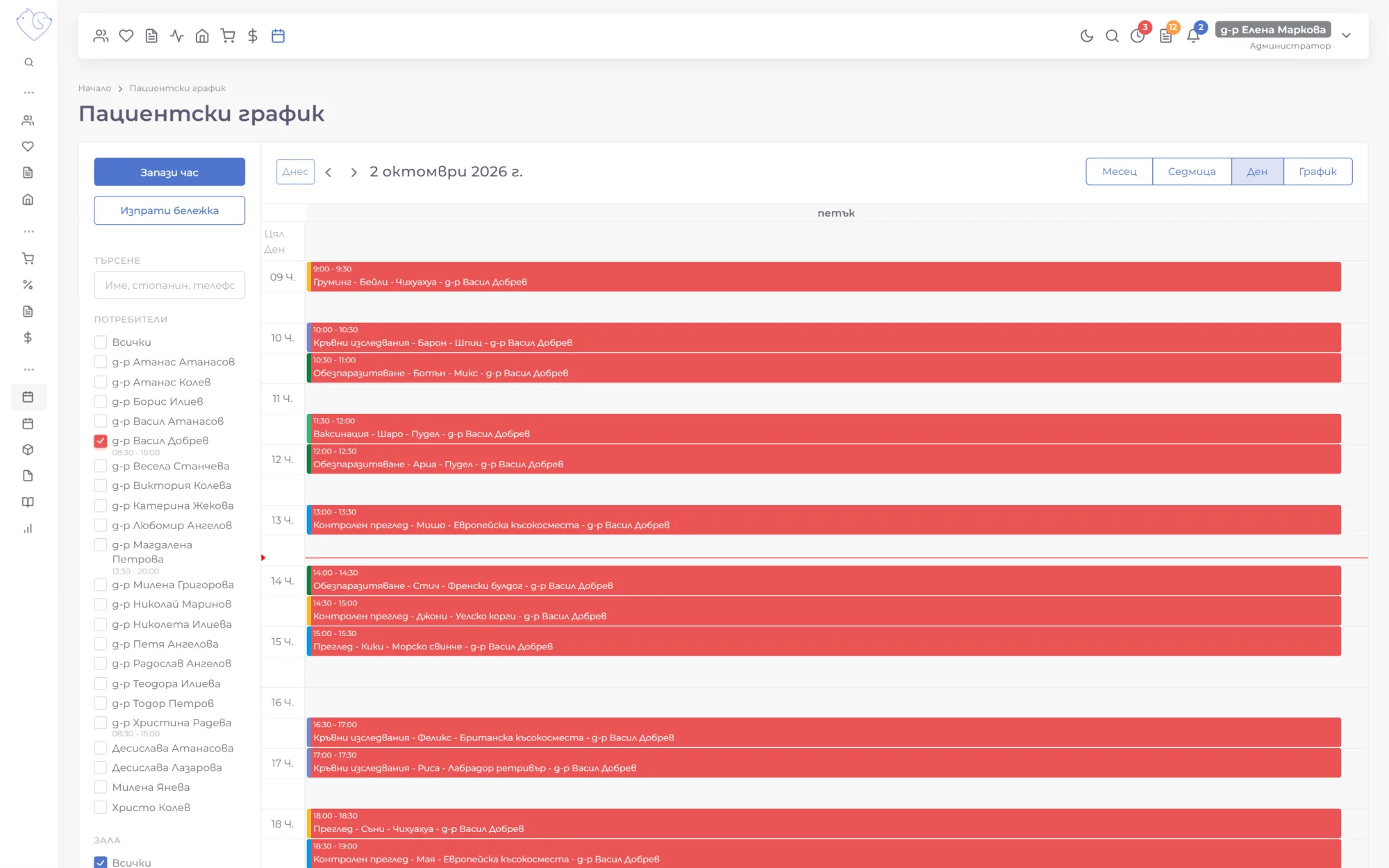
Book an appointment in seconds
A new appointment is booked from the Book appointment button: the reason for the visit, the patient, date and time, one or more vets, a room and a label. You search for the patient by name or by the owner's phone number, and the owner's name and phone number fill in automatically.
If a client is calling for the first time, a name and phone number are enough, and the patient can be registered at the visit. Every appointment records who booked it and when.
Reschedule by dragging
When an owner asks for a different time, you drag the appointment to its new slot in the calendar, or stretch it if the procedure will take longer. A recurring visit is duplicated with one button instead of being entered again.
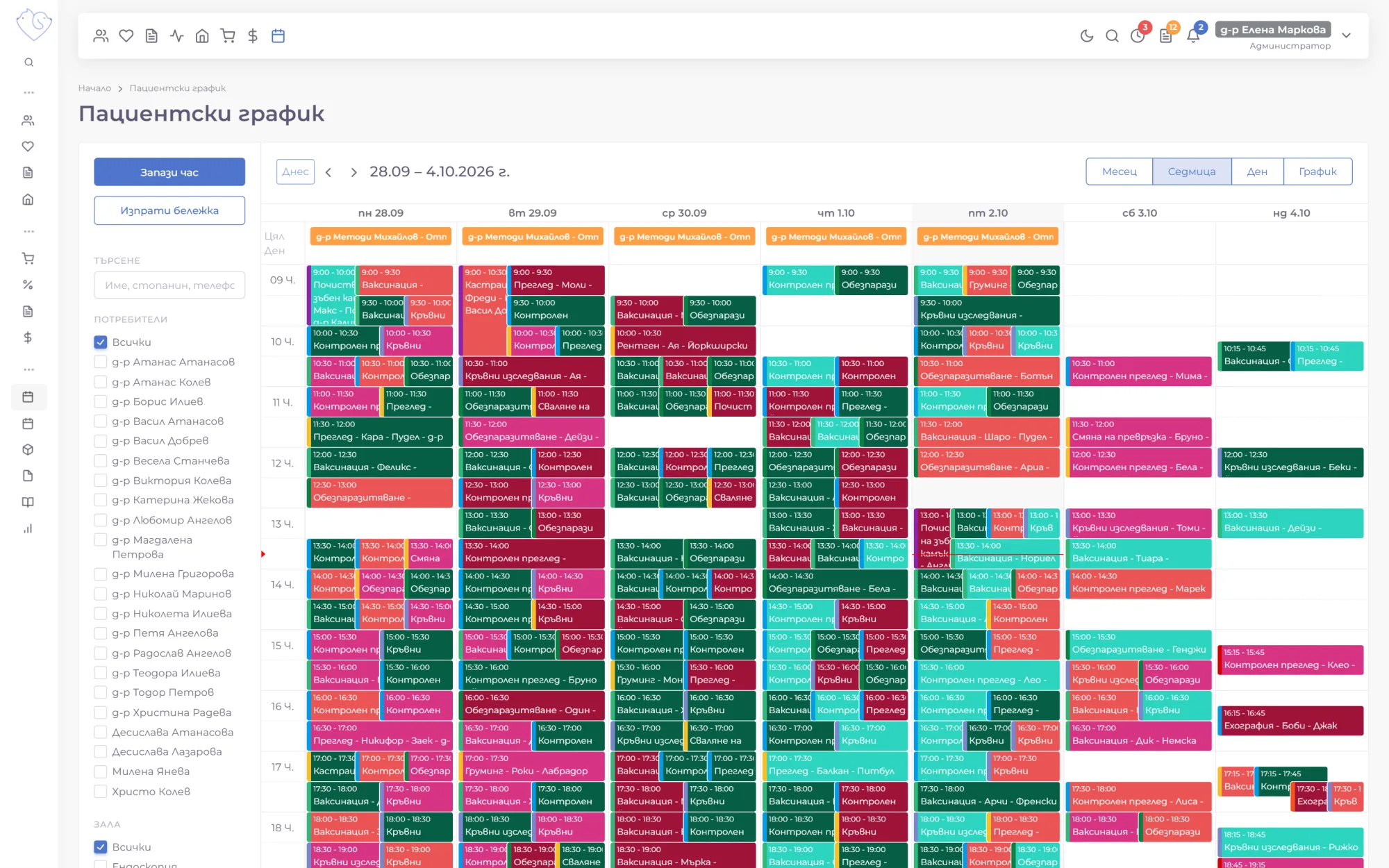
Online booking from your clinic's website
Your clinic's website or app can book appointments straight into the calendar through the VetsWise API. The system returns your vets and their free slots, and an appointment booked online appears in the calendar like any other, with the reason, the vet and the owner's details.
Reception takes fewer calls, and there's still just one calendar, with no separate online booking system to reconcile by hand.
The waiting list and pending results
When a patient arrives, reception adds them to the waiting list, with or without a chosen vet, and notes whether they have an appointment. The waiting list opens with one click from any page and shows who is waiting, for whom, and for how long.
The vet starts the consultation straight from the list. If test results aren't ready yet, the consultation is marked as waiting for results and stays in a separate list until the results are entered.
New clients check in with a QR code at reception
A new owner scans the QR code at reception and fills in their own and their pet's details on their phone. Once they confirm with a code from their email, the client is in the database and the patient appears on the waiting list.
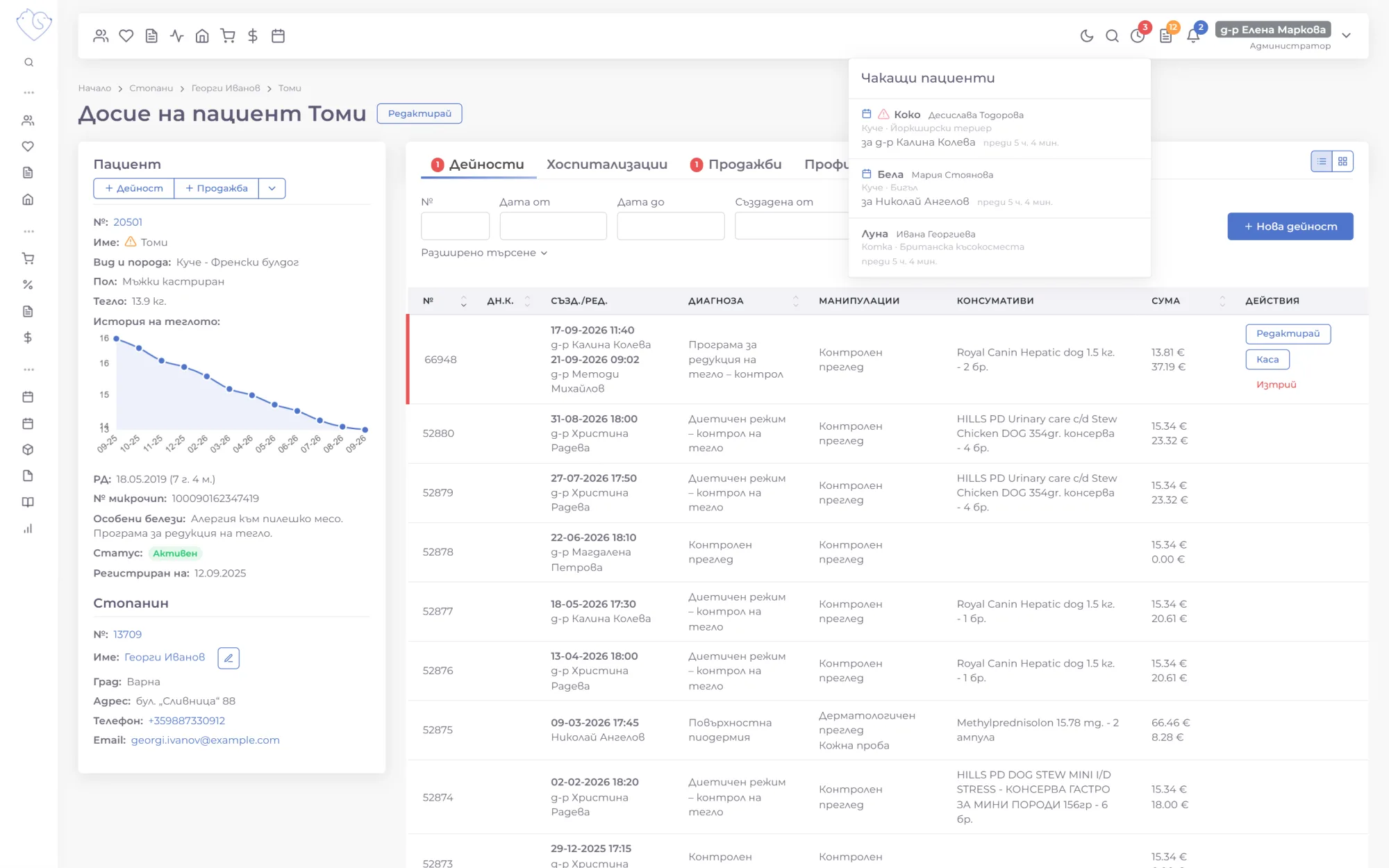
The staff schedule
The staff schedule shows who is working when, for the whole team or for one staff member. Shifts are added for chosen days of the week, with working hours or as full days, and repeat every week until a set date. The month's schedule takes minutes, not shift after shift.
With one click, the schedule shows only the people at work, paid or unpaid leave, or sick days.
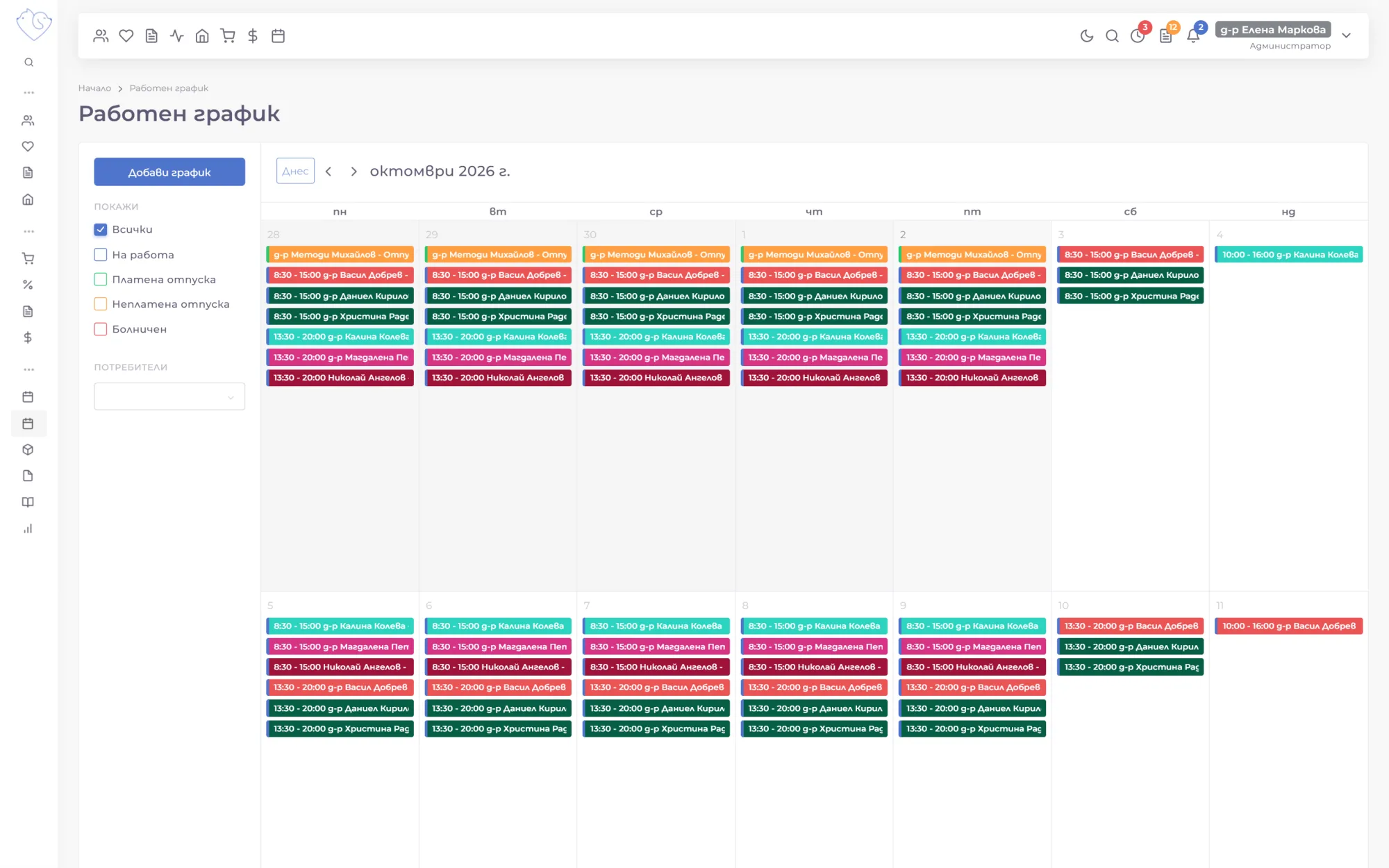
Time off without paper or email
Leave requests are made from My schedule, which also shows how much paid leave is left. The staff member chooses the type (paid, unpaid, or sick leave with the doctor's note attached) and the dates, and the administrator gets a notification.
- The days are reserved from the balance while the request awaits approval.
- In the Time off menu, the administrator approves or declines the request.
- Approved leave appears in the staff schedule, and declined days go back into the balance.
For a quick word between colleagues, you can send a note from the appointment calendar that the recipient sees in their notifications.
The next visit isn't forgotten
The calendar is connected to the rest of the clinic's work. In outpatient records, the vet sets a date for the next visit and picks an SMS template, and the reminder goes out to the owner automatically at 10 a.m. on the day of the visit.
Who can only view the calendar and who can book and change appointments is set with user roles and permissions in administration.
Scheduling on video
Short videos (in Bulgarian) from a demo clinic with made-up patients, from booking an appointment to staff shifts and time off.
Frequently asked questions
Can owners book appointments online?
Yes. Your clinic's website can book appointments straight into the calendar through the VetsWise API, using each vet's free slots.
Can I see in the calendar which vet is on leave?
Yes. Approved time off from the staff schedule also shows in the appointment calendar, so nobody books an appointment with an absent vet by mistake.
Can I book an appointment for a client who isn't registered yet?
Yes. The owner's name and phone number are enough. The patient is registered at the first visit.
Do owners get a reminder about the visit?
Yes. When a consultation sets a date for the next visit with an SMS template, the reminder is sent automatically at 10 a.m. on the day of the visit.
1-month free trial, no payment upfront
We move your data from your current software for free.
More VetsWise modules
-
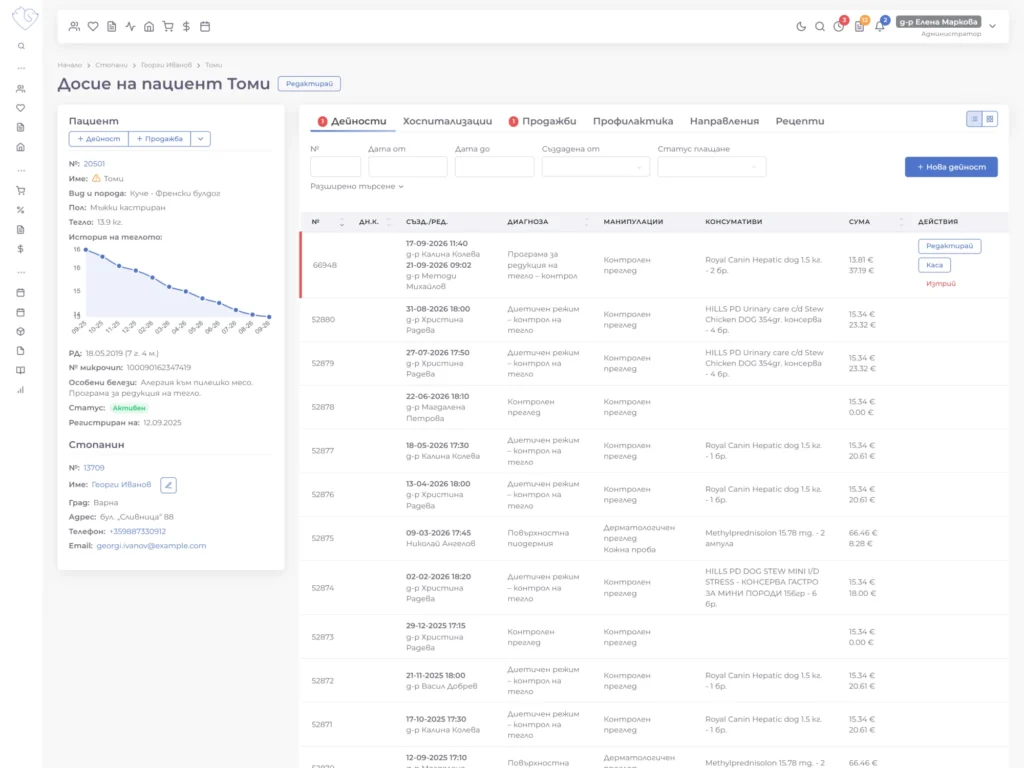 Outpatient Records
Every consultation, diagnosis and procedure is recorded in order in the patient's record, and the whole team can see the full history in one click.
Explore the module
Outpatient Records
Every consultation, diagnosis and procedure is recorded in order in the patient's record, and the whole team can see the full history in one click.
Explore the module
-
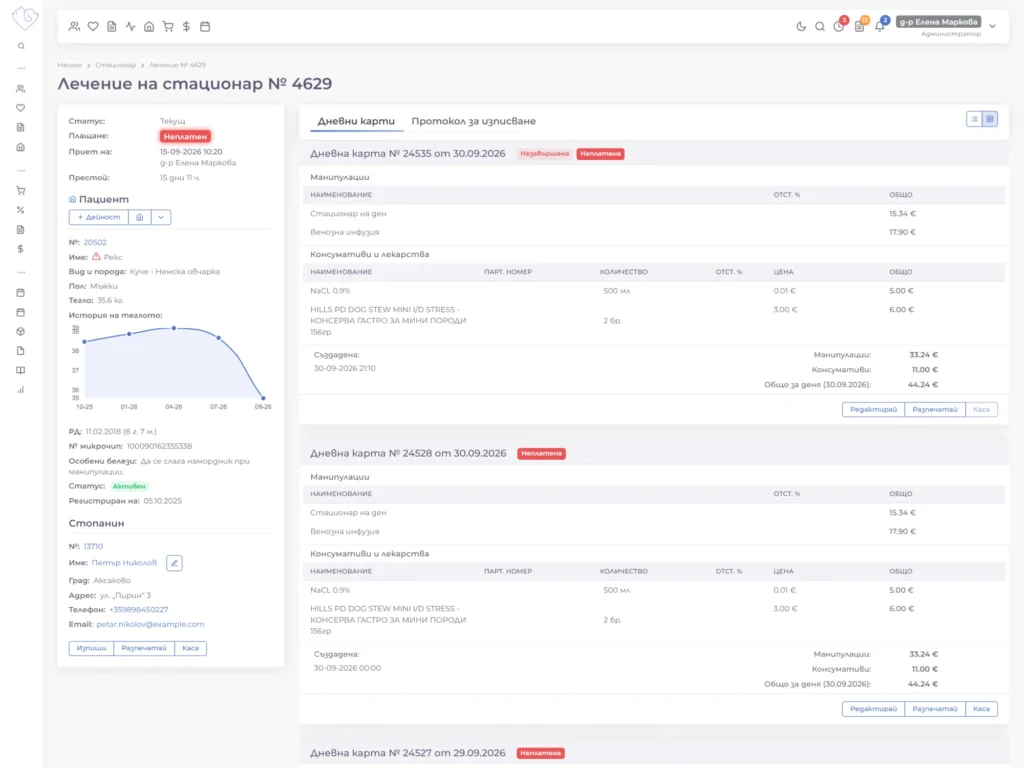 Inpatient Care
Patients in intensive care or long-term treatment, with daily charts, treatments and consumables in one place that the whole team can see.
Explore the module
Inpatient Care
Patients in intensive care or long-term treatment, with daily charts, treatments and consumables in one place that the whole team can see.
Explore the module
-
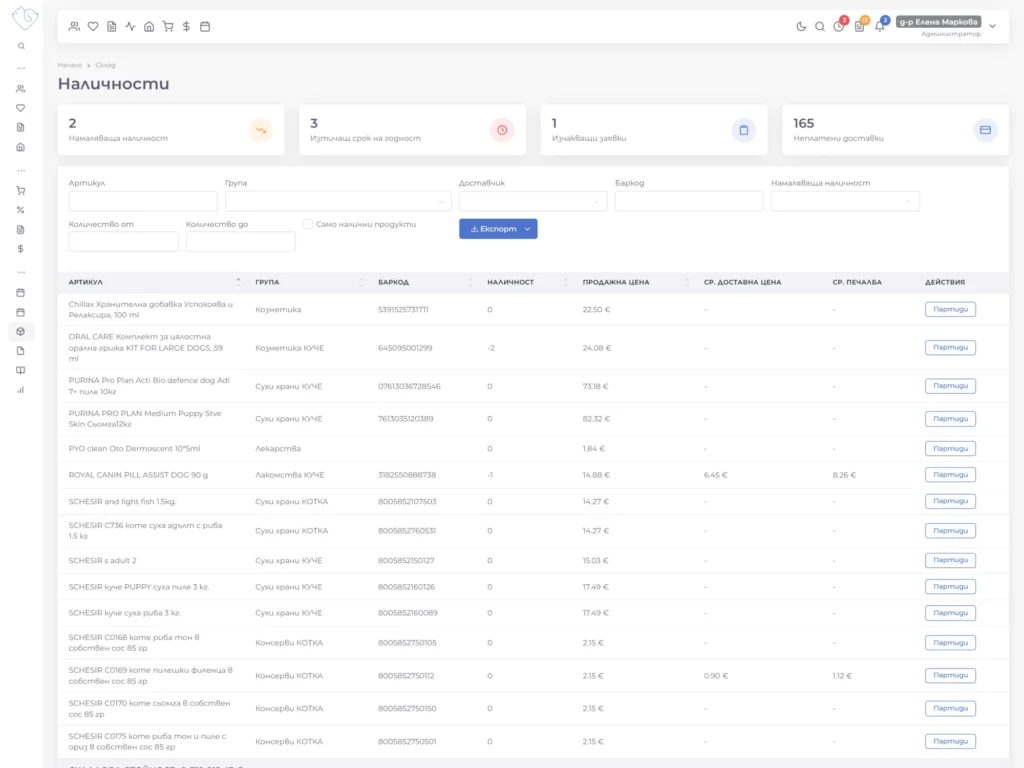 Inventory & Pricing
Consumables and medicines, stock levels, and the prices of your services and procedures, accurate and transparent at any moment.
Explore the module
Inventory & Pricing
Consumables and medicines, stock levels, and the prices of your services and procedures, accurate and transparent at any moment.
Explore the module
-
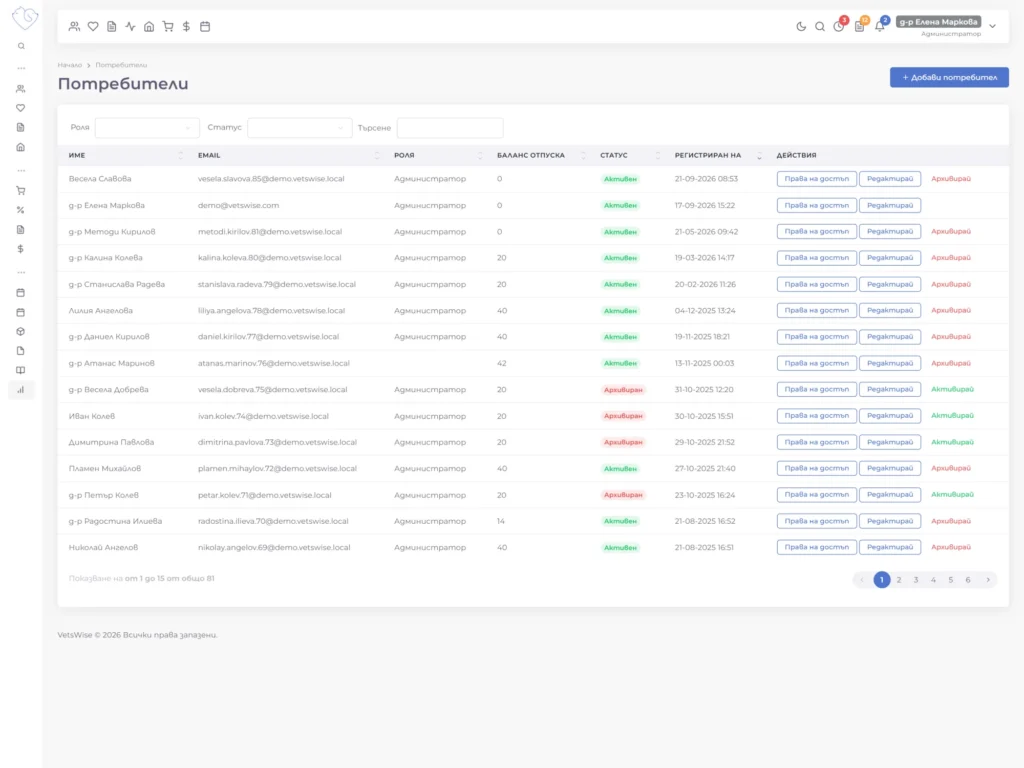 Administration & Finance
Team roles and permissions, a log of every change, client payments at the cash desk, advance payments and invoices, all in one place.
Explore the module
Administration & Finance
Team roles and permissions, a log of every change, client payments at the cash desk, advance payments and invoices, all in one place.
Explore the module
-
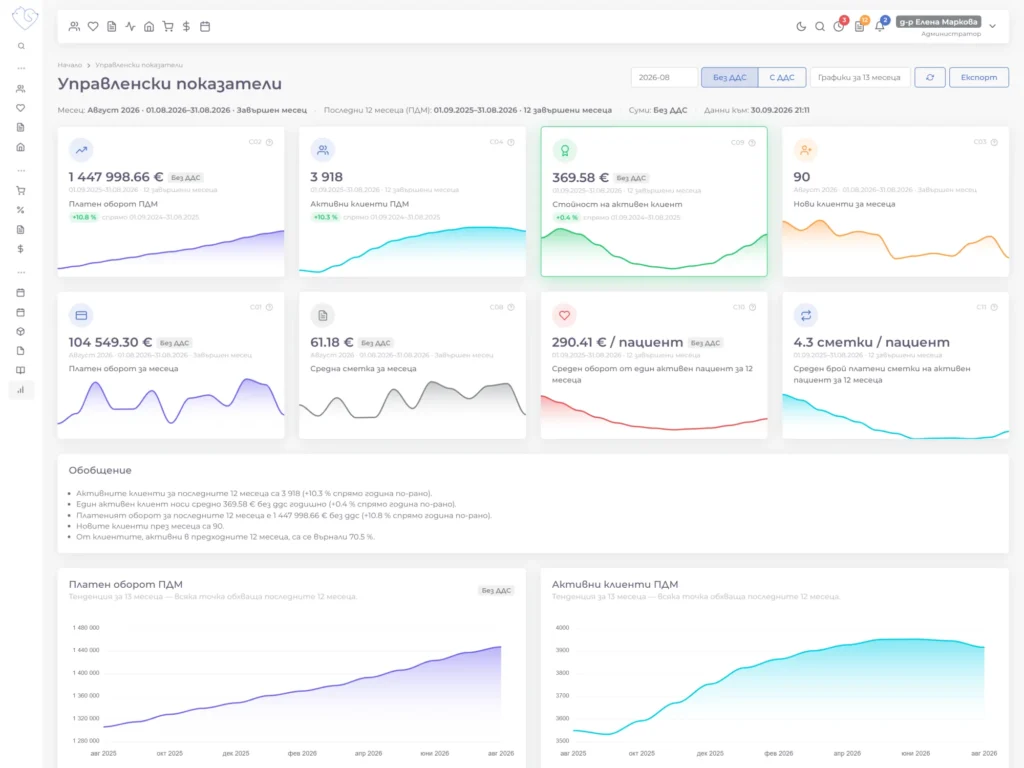 Reports & KPIs
A dashboard for the day, KPIs for the last 12 months, and reports on payments, procedures and items, so you can make decisions based on data.
Explore the module
Reports & KPIs
A dashboard for the day, KPIs for the last 12 months, and reports on payments, procedures and items, so you can make decisions based on data.
Explore the module